 There is a great post over at Lifehack.org about using Gmail and Gcal to take charge of your daily tasks and to do lists.
There are a million tools out there to keep track of your tasks, your appointments, your emails and reminders. But let’s face it — each of them have their drawbacks, and finding the right combination can be an ongoing quest.
Many people also love Gmail and Gcal as two of their online tools of choice – they’re simple tools that get the job done fast, wherever and whenever you need them. If you count yourself among this group, here’s a guide for using the Gmail/Gcal combination as your online information center.
Follow THIS LINK in order to check out the article. Well worth a read, especially if you use, or are thinking to use the Google applications as your chosen method to implement a GTD system.
 After reading the great blog entry titled “
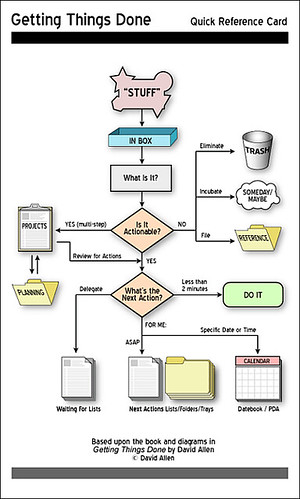 Well, I thought it was about time to write the next installment in my journey to stress free productivity utilizing the GTD system.
 Just caught this podcast via
  I found out about
  I know a lot of GTD’ers and readers of my blog are Mac users so I thought I would share this little gem with you all.
 Just seen a post about this application at
 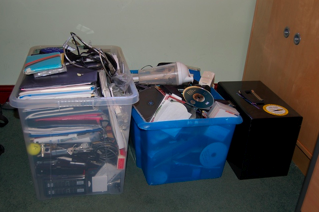 Well, today was the collection day. For those of you have have not read or are not familiar with the
 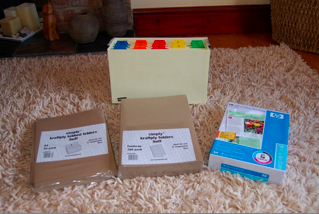 Now that the book is read, there is no time like the present to start. I have allocated a day to collection, and also as long as it takes to processing. This is one of the benefits of working for yourself. You control your own time.